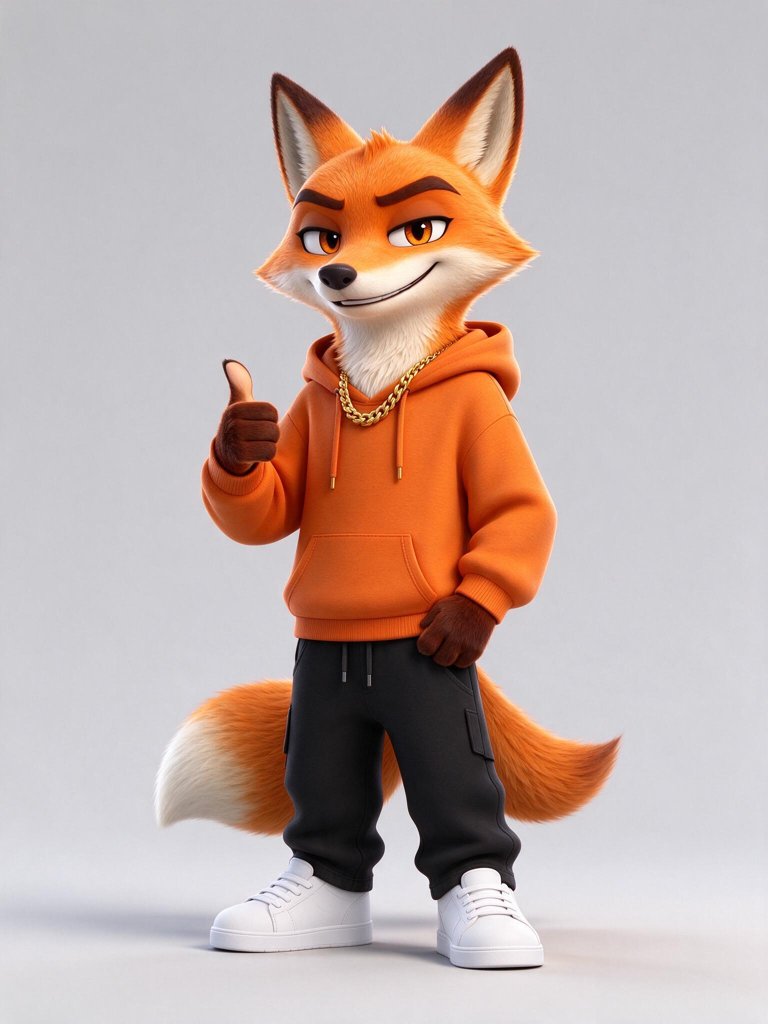
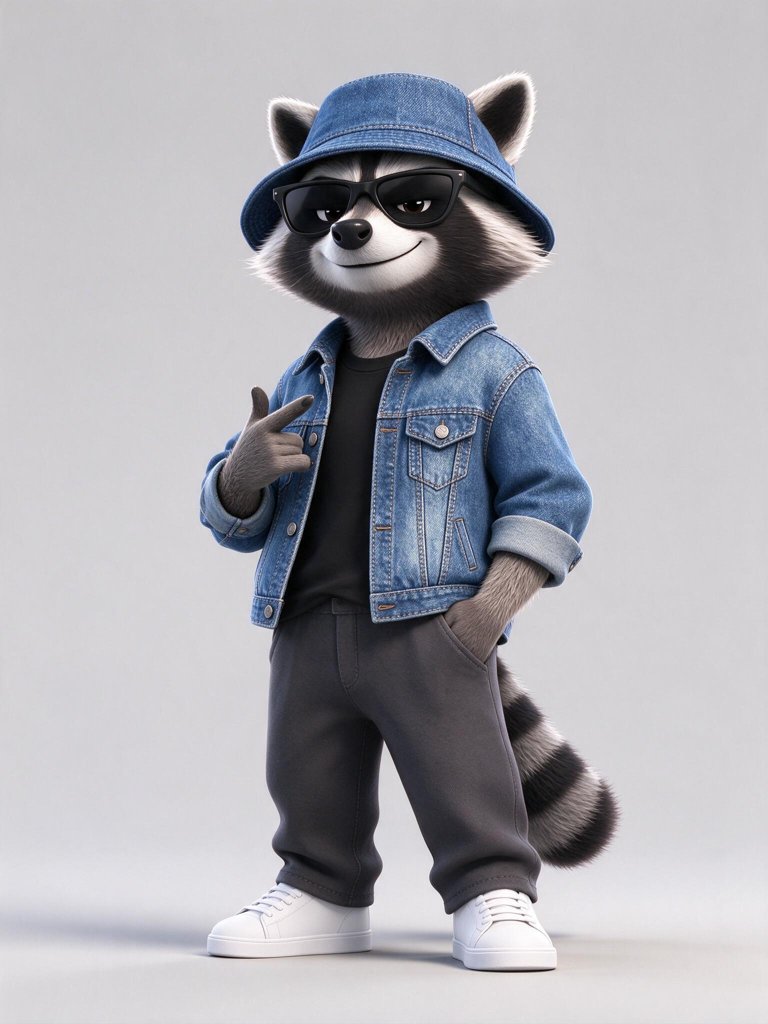
What is the Hotel Lobby AI trend?
In 2022 Quavo and Takeoff, performing as Unc & Phew, recorded “Hotel Lobby” for a live studio series: two rappers, one microphone hanging from the ceiling and a flat orange backdrop. In September 2026 people started using AI video tools to swap the two performers for anyone else — best friends, couples, grandparents, cats, cartoon characters — and the Hotel Lobby meme spread across TikTok and X. The formula never changes: same orange booth, same shared mic, same song. The joke is who is standing there.
That is exactly what this Hotel Lobby AI generator recreates. It is an independent tool and is not affiliated with the artists, their label or the show; it simply builds the booth look from your photos so you can join the trend in a couple of minutes.
How to make a Hotel Lobby AI video
- Add two photos. The first becomes the performer on the left of the mic, the second the one on the right.
- Pick length and sound. A short take or a 24-second long cut; an original AI rap and beat, or silent so you can add the song when you post.
- Generate. We first build a photo of both of you in the orange booth, then animate the performance — one leans in for a verse while the other hypes, then they swap.
- Download and post. Upload the MP4 to TikTok, Instagram or YouTube Shorts. Silent clips get the Hotel Lobby sound there.
Photos that work best
- One subject per photo. If you only have a group shot, crop each person into their own image first.
- Sharp, well-lit and facing the camera. Sunglasses, heavy filters and dark rooms make faces harder to keep.
- Waist-up or full-body shots look most natural in the booth; tight selfies work but get more of the body invented.
- For pets, a side-on or front photo where the whole animal is visible beats a close-up of the nose.
- Matching outfits are a nice touch. The model keeps the clothes you are wearing, so dress for the stage.
Sound: AI rap or the original song
AI rap and beat gives you a finished clip with sound: the video model writes and performs original, playful lyrics over a trap beat and moves both mouths in time with them. Nothing to edit, and it is yours to post anywhere.
Silent is for people who want the real track. The song is owned by its rights holders, and the social apps already license it for posts, so you add it there:
- TikTok: upload the clip, tap Add sound, search “Hotel Lobby” and choose the original Unc & Phew version.
- Instagram Reels: tap the music icon, search the song and slide the start point to the first verse.
- CapCut: import the clip, add the track from the sound library and trim the beat to the moment the first performer leans in.
Either way, most apps ask you to label AI-made videos — switch that label on when you post.
The long Hotel Lobby AI cut
A short take is one moment. The long cut tells the whole bit in 24 seconds: the left performer’s verse, the right performer’s verse, then both of them on the hook. Each 8-second part starts from the last frame of the one before, so the booth, outfits and poses carry straight through, and the three parts arrive as one MP4. With AI rap, each part gets its own verse, so the beat can shift slightly at the two cuts. Long cuts are the closest match to the original performance and sit well in a Reels or TikTok feed.
Hotel Lobby AI video prices
Every video is two steps, and the price covers both: the booth photo (24 credits) and the performance. Standard and long cuts are animated with Veo 3.1 Lite, Best with Seedance 2.5. Failed renders are refunded automatically.
| Option | Clip | Credits | ≈ USD |
|---|---|---|---|
| Short, silent | 6 seconds, 720p | 78 | $0.70 |
| Short, AI rap | 6 seconds, 720p, with sound | 114 | $1.03 |
| Short, Best quality | 5 seconds, 480p, sound or silent | 355 | $3.19 |
| Long, silent | 24 seconds, three parts | 240 | $2.16 |
| Long, AI rap | 24 seconds, three parts, with sound | 384 | $3.46 |
Dollar amounts use the $9.90 Starter pack; bigger packs include bonus credits, and new members get extra credits on their first pack. Standard is right for most posts. Pick Best when the two performers move a lot or faces fill much of the frame.
Ideas people are making
- Best friends — the classic version, ideally in matching jackets.
- Couples and siblings — one serious, one hyping, then the roles flip.
- Grandparents — with their blessing, the most shared variant of all.
- Pets — two cats, a dog and a parrot, or your pet next to you.
- Your own characters — mascots, game avatars or illustrations you made.
Rules we follow
Only upload photos you have permission to use, and only of people who are happy to appear. We do not allow sexual content, content about minors that a parent has not agreed to, or videos meant to make a real person look like they said or did something they did not. Your photos are used only to make your video; they are not used to train models, and you can delete a video at any time from My videos.
Questions about Hotel Lobby AI
Is Hotel Lobby AI free?
Examples are free to view. Creating a Hotel Lobby video uses purchased credits; sound and duration affect the total. The price is shown before generation, and a subscription is optional.
Does the video include the Hotel Lobby song?
No. The song belongs to its rights holders, so we never put it in your file. Pick AI rap to get an original rap and beat made with the video, or pick Silent and add the licensed track in TikTok, Instagram or CapCut.
How long can a Hotel Lobby AI video be?
A short take runs five or six seconds. The long cut is 24 seconds: three 8-second parts for the first verse, the second verse and the hook, joined into one MP4.
How long does it take?
About a minute for the booth photo and one to three minutes for a short take. A long cut needs four to six minutes. Your finished videos also stay in My videos.
Can I use my dog, cat or a cartoon character?
Yes. Pets are one of the most popular versions of the trend. One clear photo per side works best, and for characters use art you drew or have the rights to.
Can I put a celebrity in it?
Only with their permission. You must have the right to use every photo you upload, and we do not allow videos that could mislead people into thinking a real person said or did something.
Want something other than the booth? The AI video generator makes any clip from a prompt or photo, and templateshave more ready-made ideas.