Inputs · workflow · results
Remix workspace
Source + reference → transformation → your video.
LIVE WORKFLOWInputs → model → result
01 / INPUT
Source & reference
Source video
Reference image
02 / GENERATE
PixVerse Swap
Character swap · 540p
03 / OUTPUT
Your result appears here
- Prepare
- Render
- Ready to download
See the transformation
Official provider demo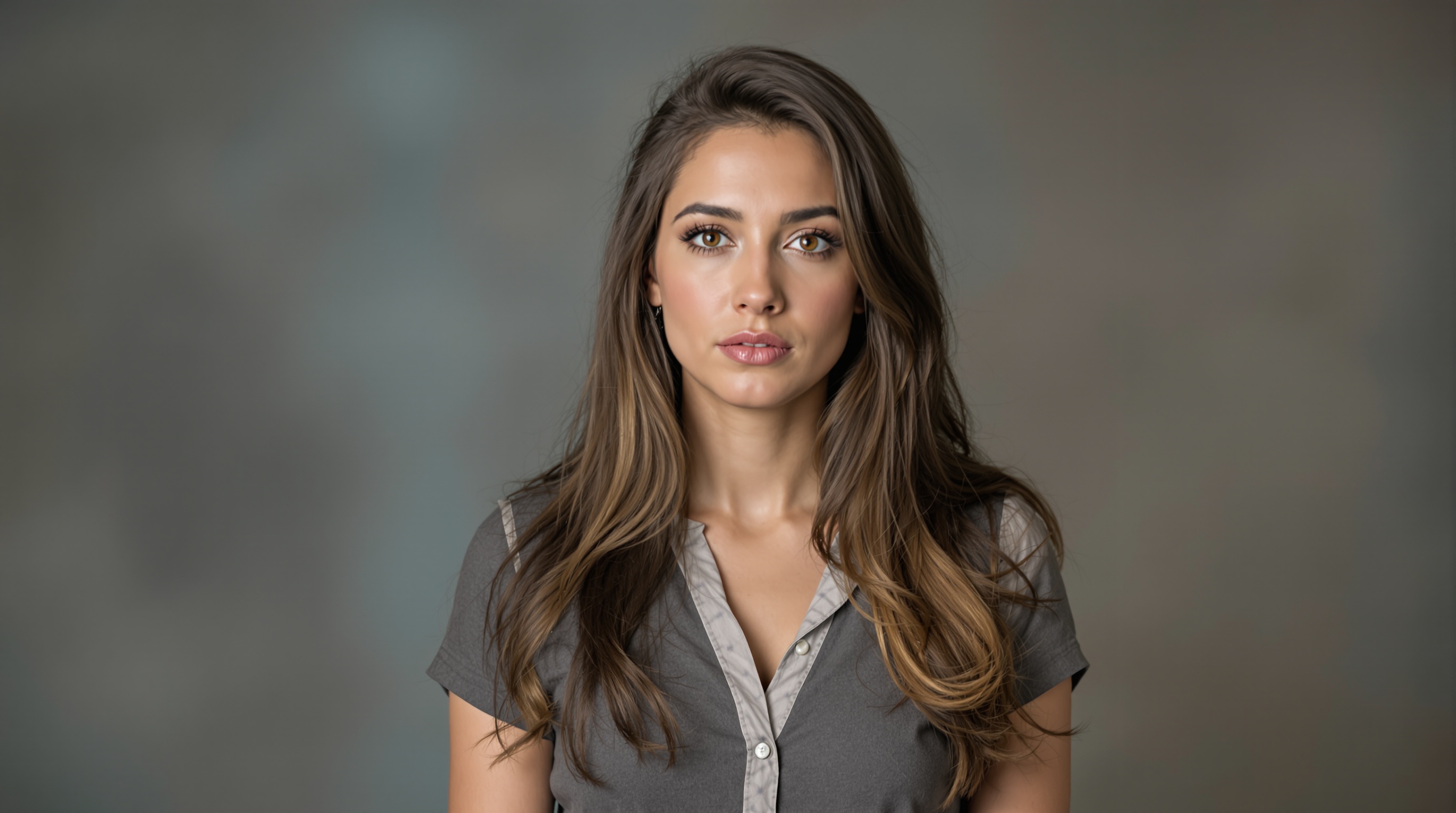
Official fal.ai example · person swap · 720p. Compare the source, character reference and rendered result.
How this Genjutsu alternative works
Genjutsu-style AI video editing
PixVerse replaces a person, product or background inside your original shot. Kling Motion Control animates your reference character using a source performance. Results vary with framing, occlusion and movement; preview the real examples before making your own.
Start with a clear, continuous 3–5 second video. Keep the target visible in the first frame, and match the body framing of your character reference. Generate, follow the task status, then download your result from the output node.